
Quick Answer: NordVPN split tunneling not working usually comes down to an outdated app, a second VPN running, antivirus interference, or a corrupted network setup. Update the app, quit other VPNs, allowlist NordVPN in your antivirus, then reset the network from the diagnostics tool and restart. If that fails, the cause is likely a known DNS limitation.
You add your work app to the exclusion list. You connect to NordVPN. The app still loses its connection, or it keeps showing up as if you’re on a VPN.
You’ve toggled the setting off and on. Nothing changes. NordVPN split tunneling not working is a common remote-work VPN complaint.
This guide covers the fixes for NordVPN split tunneling not working in the order I’d try them.
Why Is NordVPN Split Tunneling Not Working?
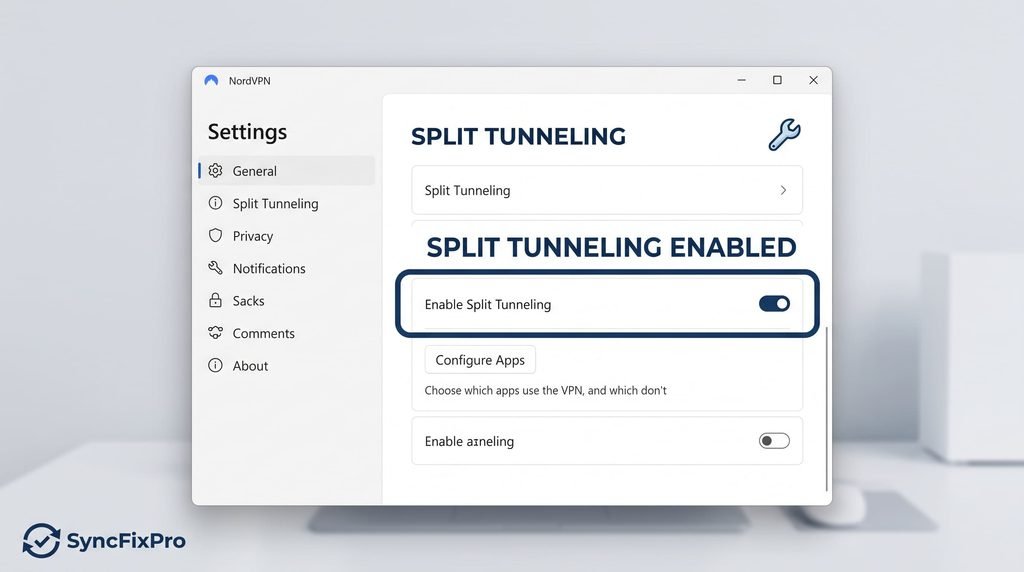
NordVPN split tunneling not working usually means the app is outdated, another VPN is running, security software blocks NordVPN, or the network configuration is corrupted. It also fails on unsupported platforms: NordVPN lists it only for Windows and Android, including Android TV.
Split tunneling is defined as routing some app traffic through the VPN while other apps use your normal connection.
NordVPN’s support documentation describes two symptoms:
- An app you set to bypass the VPN loses its internet connection.
- An app you left out of the VPN is still routed through it.
Check your platform first. The feature is not available on macOS or iOS, so no fix will help there.
How Do You Fix NordVPN Split Tunneling Not Working?
To fix NordVPN split tunneling, update the app, close any other VPN, allowlist NordVPN in your antivirus, reset the app, then run Network Flush from the diagnostics tool and restart your computer. Test after each step so you know which one worked.
Work through these in order.
- Update NordVPN. Open the app, check for updates, install the latest version and restart it. An outdated client is the most common cause.
- Turn off other VPN services. NordVPN’s support page says to disable any additional VPN. Close your work VPN client completely and reconnect NordVPN first.
- Restart your device. It sounds basic, but it clears stale routing entries.
- Allowlist NordVPN in your antivirus. Security software can block NordVPN features. NordVPN’s default install folder on Windows is C:\Program Files\NordVPN. [YOUR REAL TEST: name the antivirus you tested and what you clicked.]
- Reset or reinstall the app. NordVPN lists both as official fixes. Reinstalling takes about five minutes.
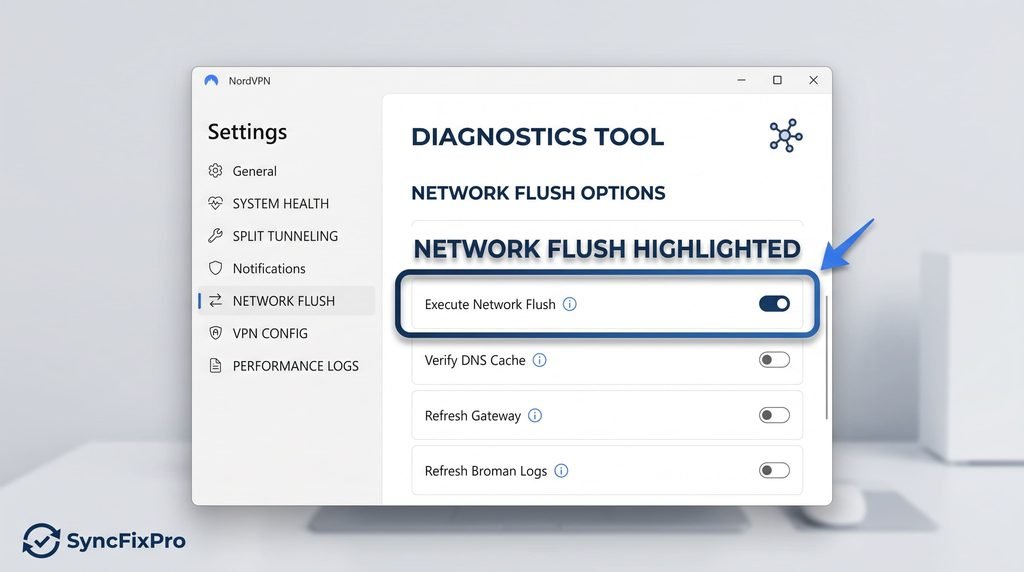
- Run Network Flush. In NordVPN, go to Settings → General → Diagnostics → Run Diagnostics Tool, select Network Flush, wait for the commands to finish, then restart. Menu names vary between app versions, so check yours.
NordVPN warns that a network reset can clear saved network settings. Note your Wi-Fi details before you run it.
Test the result. Open an IP-check site inside the excluded app, then in a browser routed through NordVPN. The two addresses should differ. If they match, the split isn’t working.
Read our more articles to solve more related issues:
What If the Standard Fix Doesn’t Work?
If the standard fix fails, the likely cause is DNS. NordVPN has acknowledged that excluded apps can still be affected because NordVPN’s DNS servers stay active. Try the steps below, and contact NordVPN support if an allowlisted app is still routed through the VPN.
Here is what I’d check next:
- Run NordVPN as administrator. Some guides recommend this on Windows, but NordVPN’s own docs don’t list it, so test it rather than assume.
- Test the desktop version of the app. Some Microsoft Store apps reportedly ignore split tunneling.
- Pause NordVPN and test again. If the app works with the VPN off, the VPN is the cause and not your network.
- Contact NordVPN support. Their docs tell you to do this if an allowlisted app is still routed through the VPN.
FAQ
No. NordVPN lists split tunneling for Windows 7, 8.1, 10 and 11, plus Android and Android TV. It is not available on macOS or iOS.
Excluded traffic isn’t protected by the VPN. Some environments, such as healthcare, finance and legal, restrict or ban split tunneling. Check your company’s IT policy first.
NordVPN’s DNS servers can stay active for excluded apps, which makes some services still treat you as a VPN user. NordVPN has called this a known issue. Check their support page for the current status.
1 thought on “NordVPN Split Tunneling Not Working: Proven Easy Fixes (2026)”