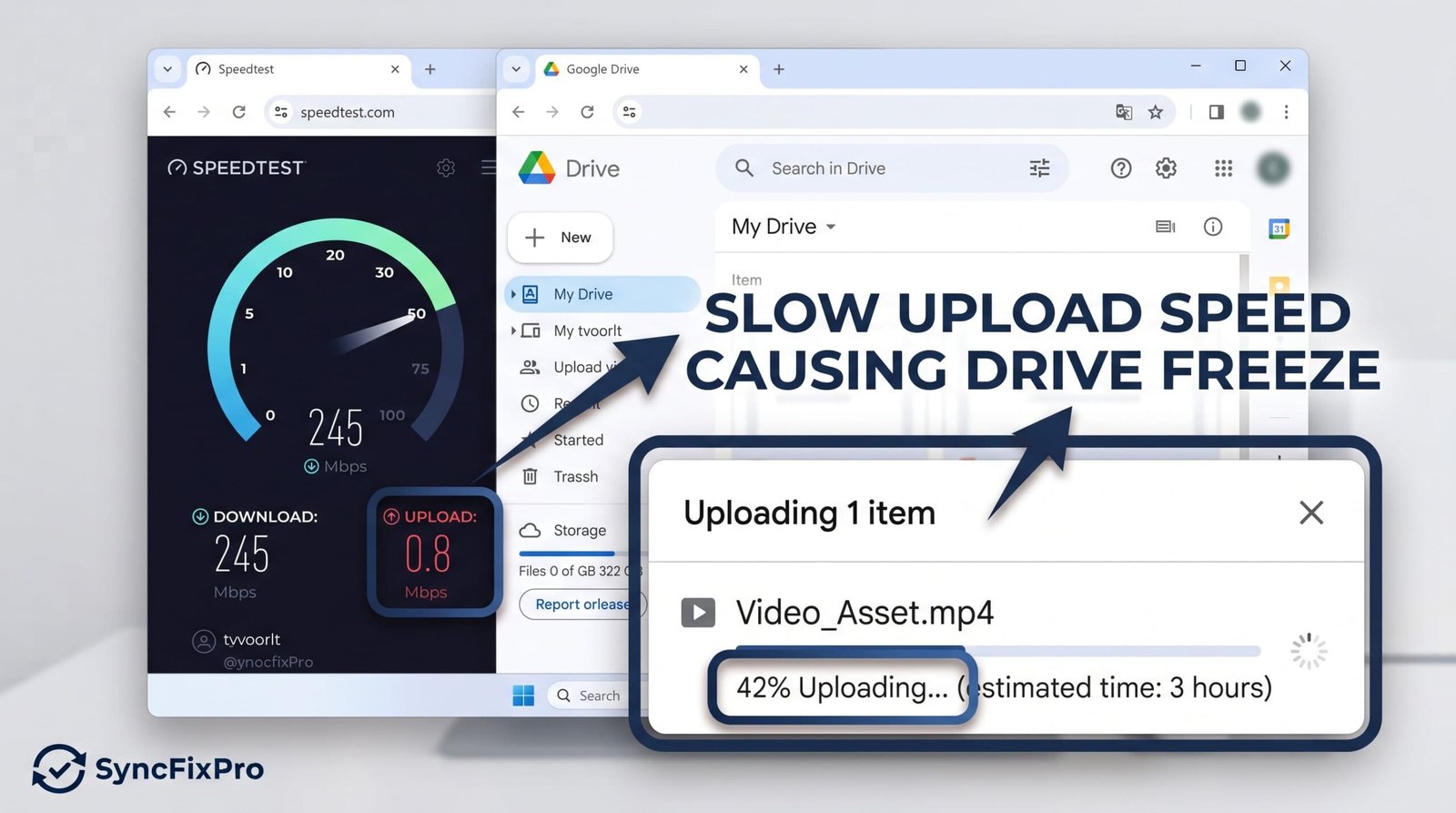
Why Is My VPN So Slow? 7 Fixes That Actually Work (2026)
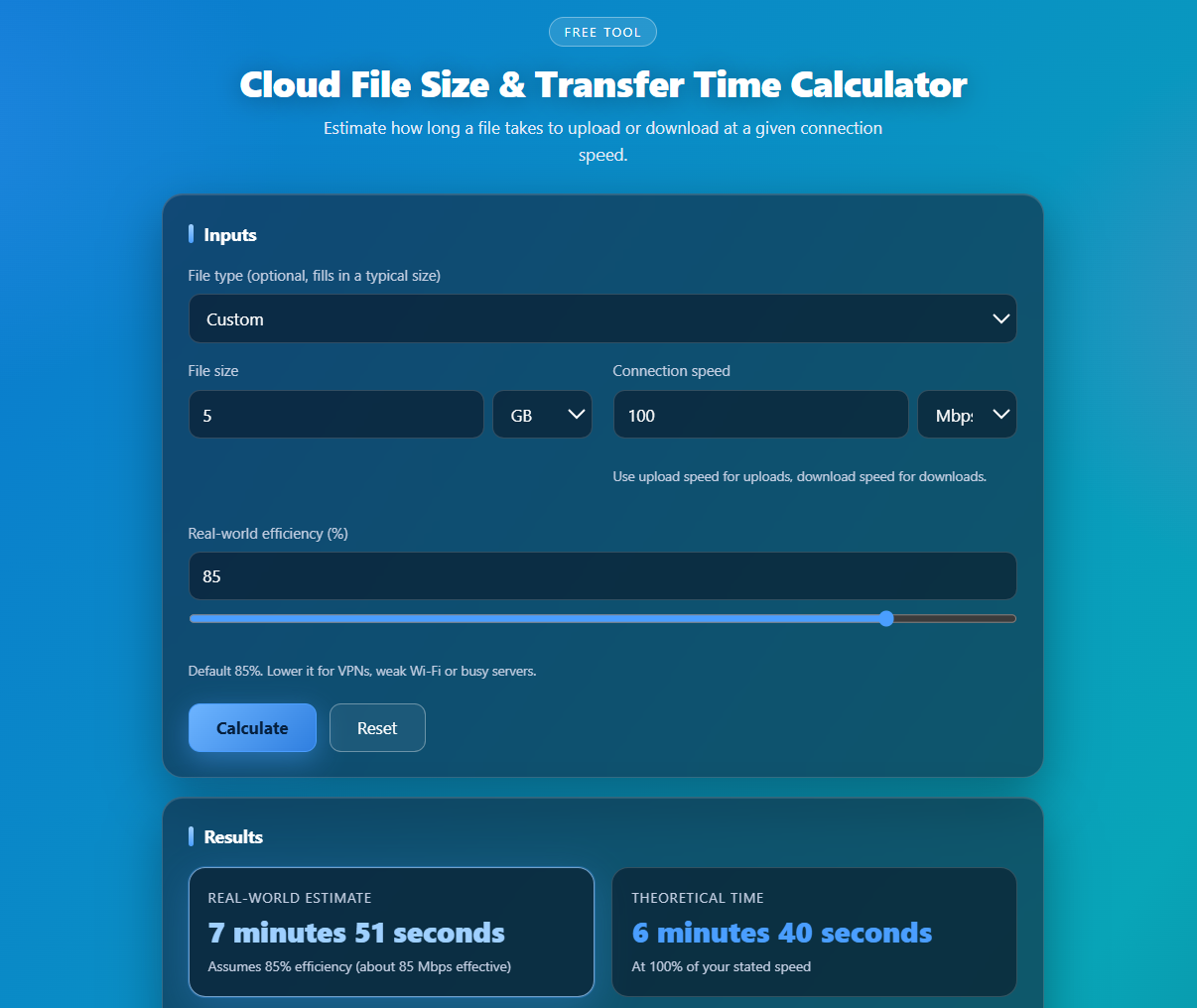
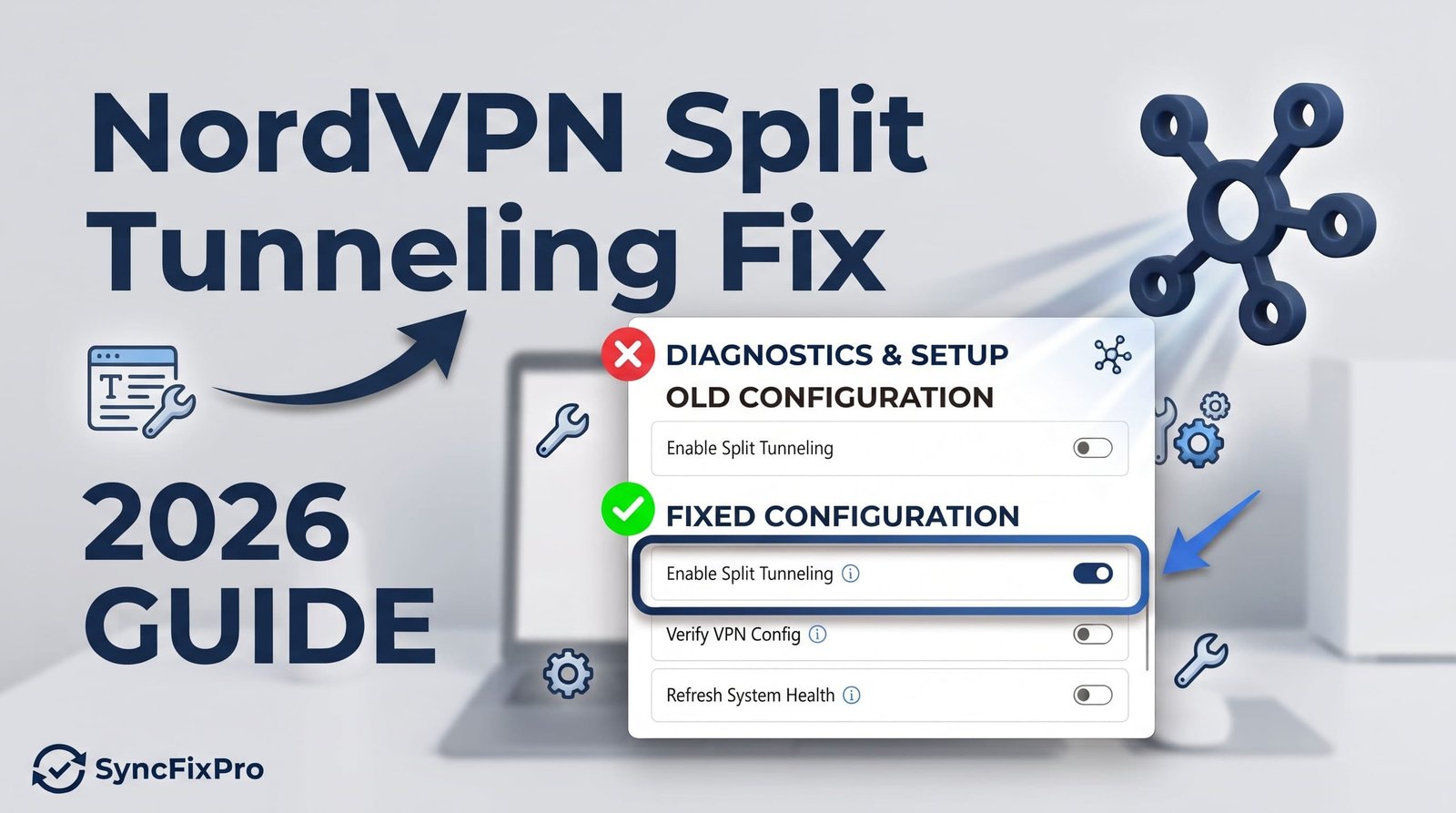
Quick Answer: Why is my VPN so slow? It encrypts your traffic and sends it through another server, which costs some speed, but the loss should be modest. If it’s much worse, switch to a nearer server, change the protocol, use a wired connection and lower the MTU. Measure your speed with the VPN off … Read more